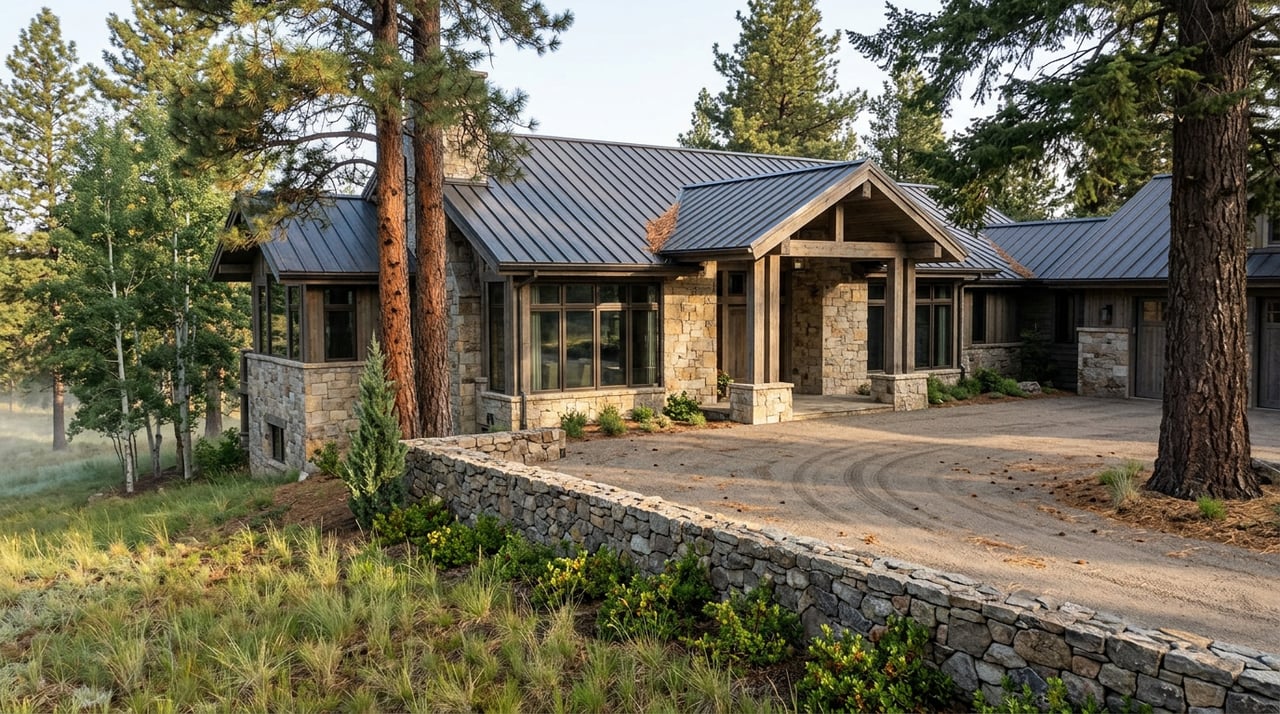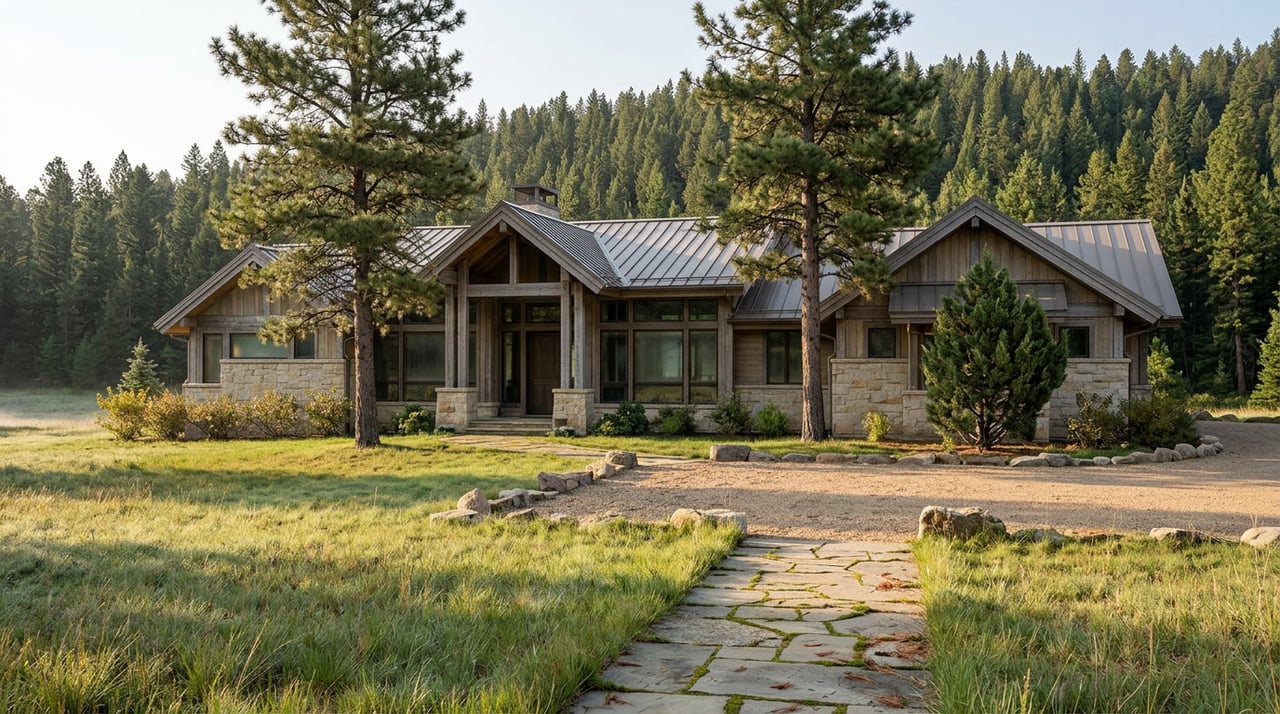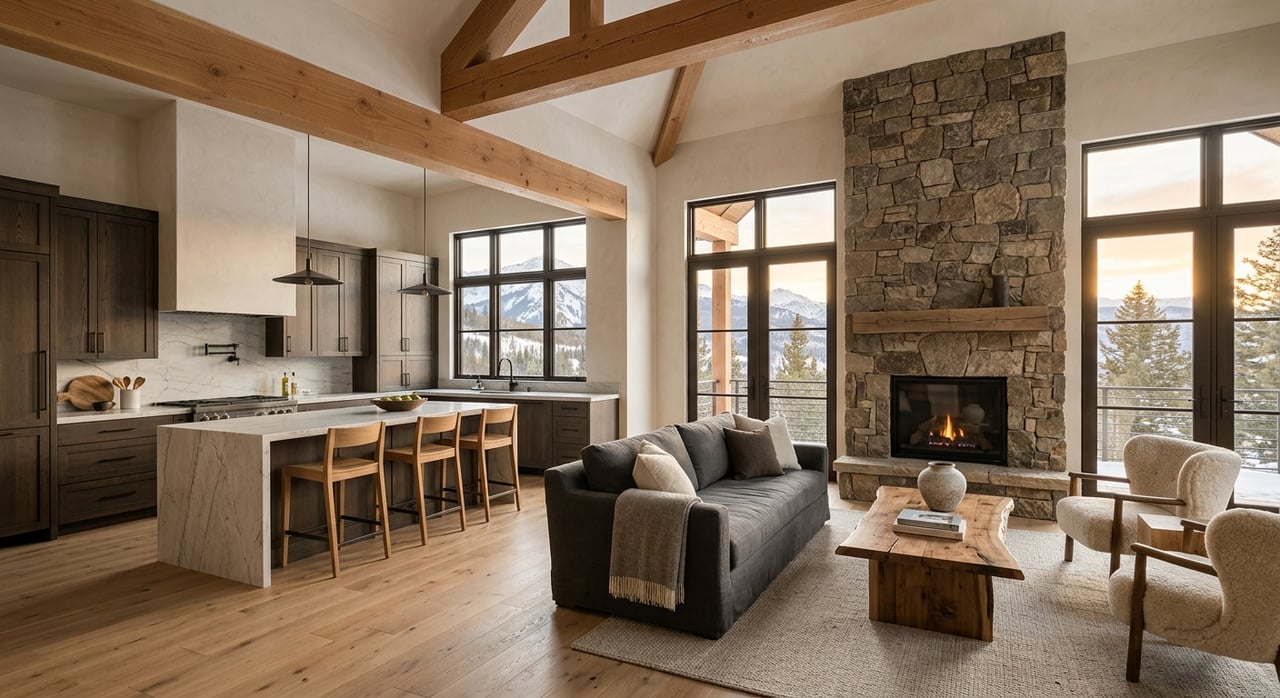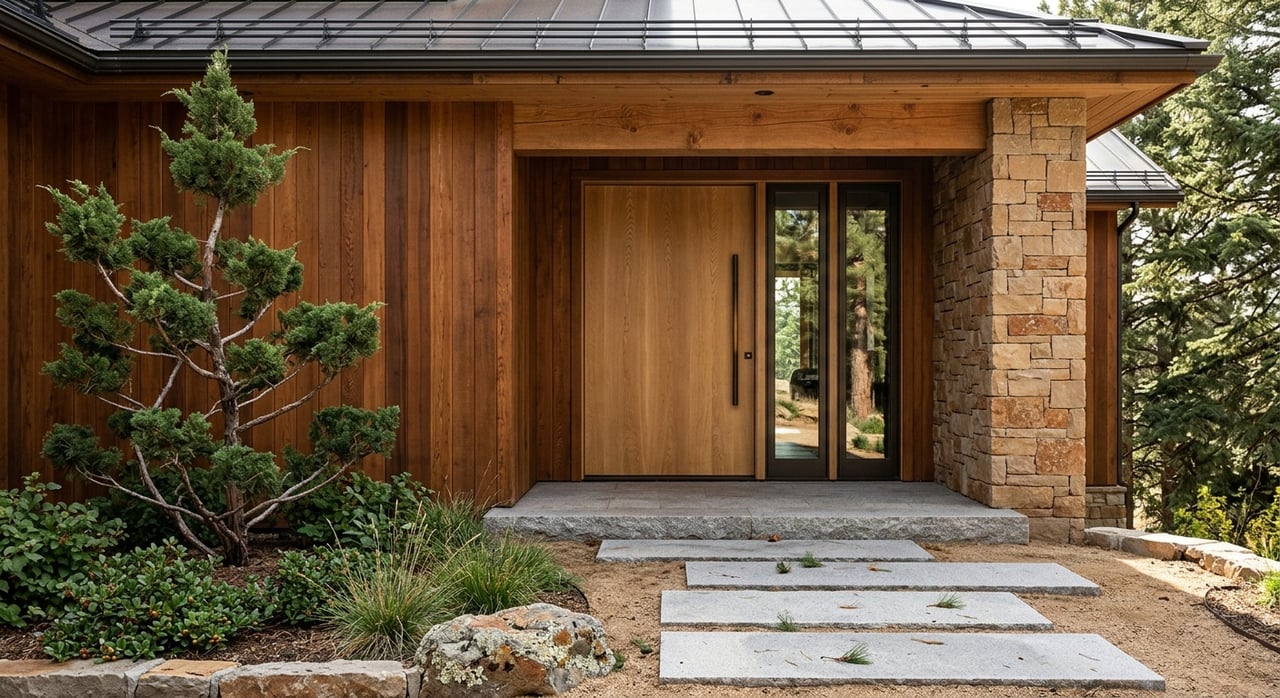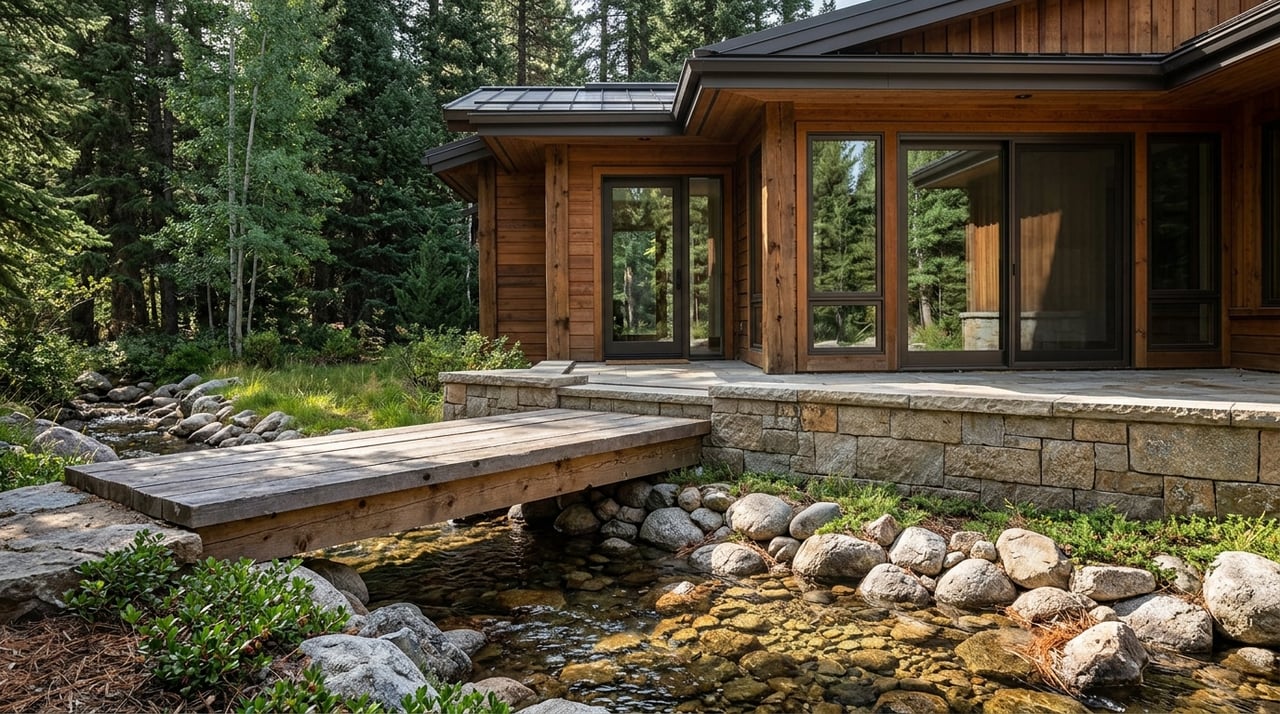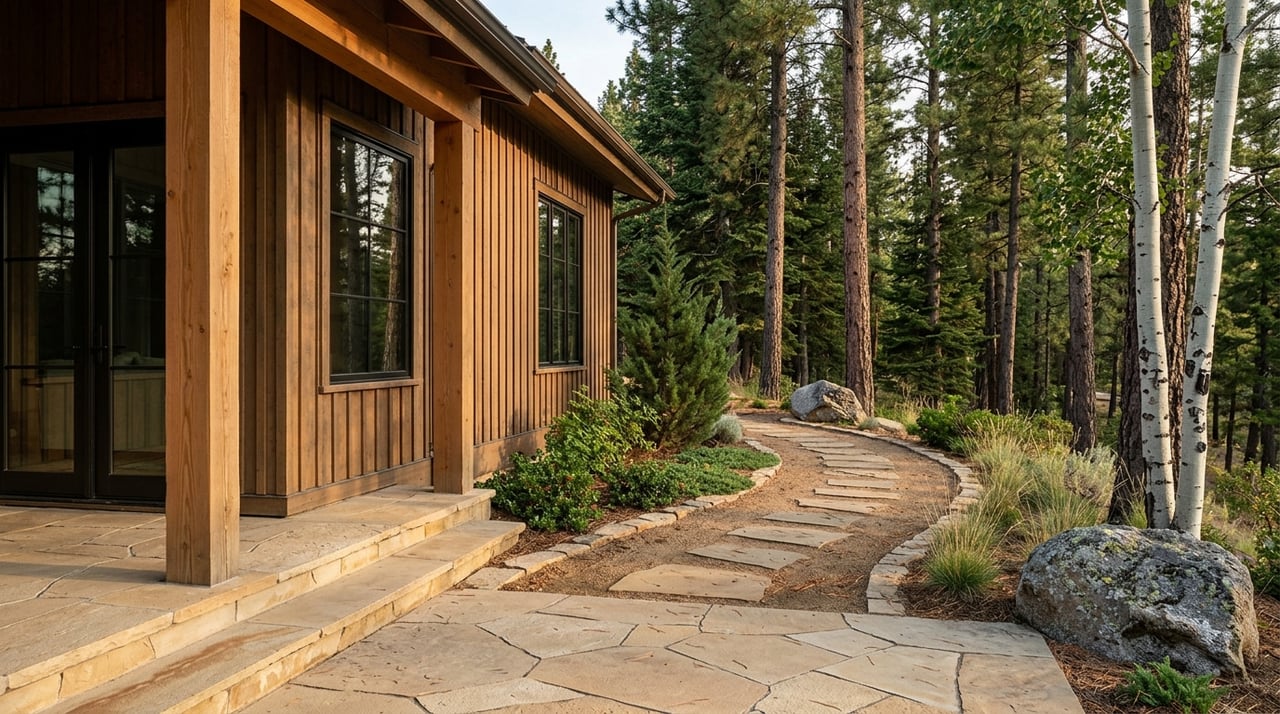
Would you buy in Evergreen’s tucked‑away lanes without stepping foot here first? If you are relocating or scouting a second home, that is a practical question, not a risky one. With the right visuals, documents, and verification steps, you can build a confident short list before you book a flight. This guide shows you exactly what to request, how to verify it from afar, and when a curated pre‑screen helps you move faster while protecting your privacy. Let’s dive in.
What “hidden pockets” means in Evergreen
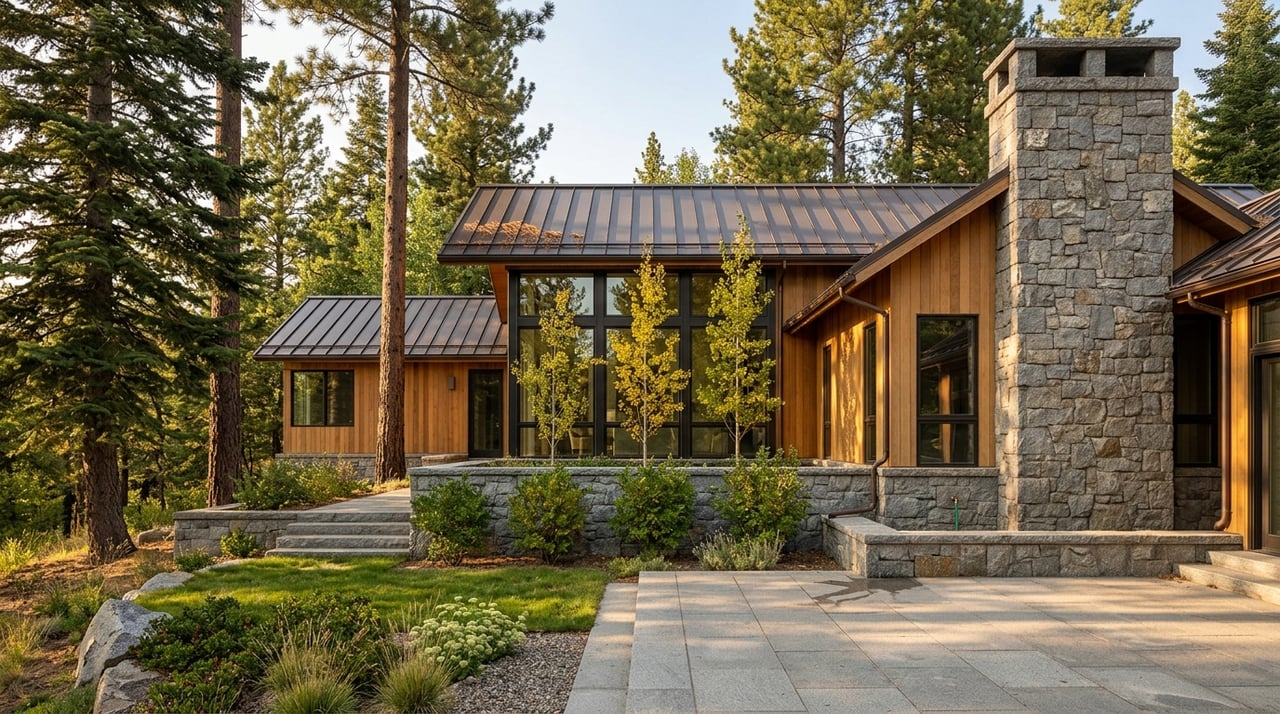
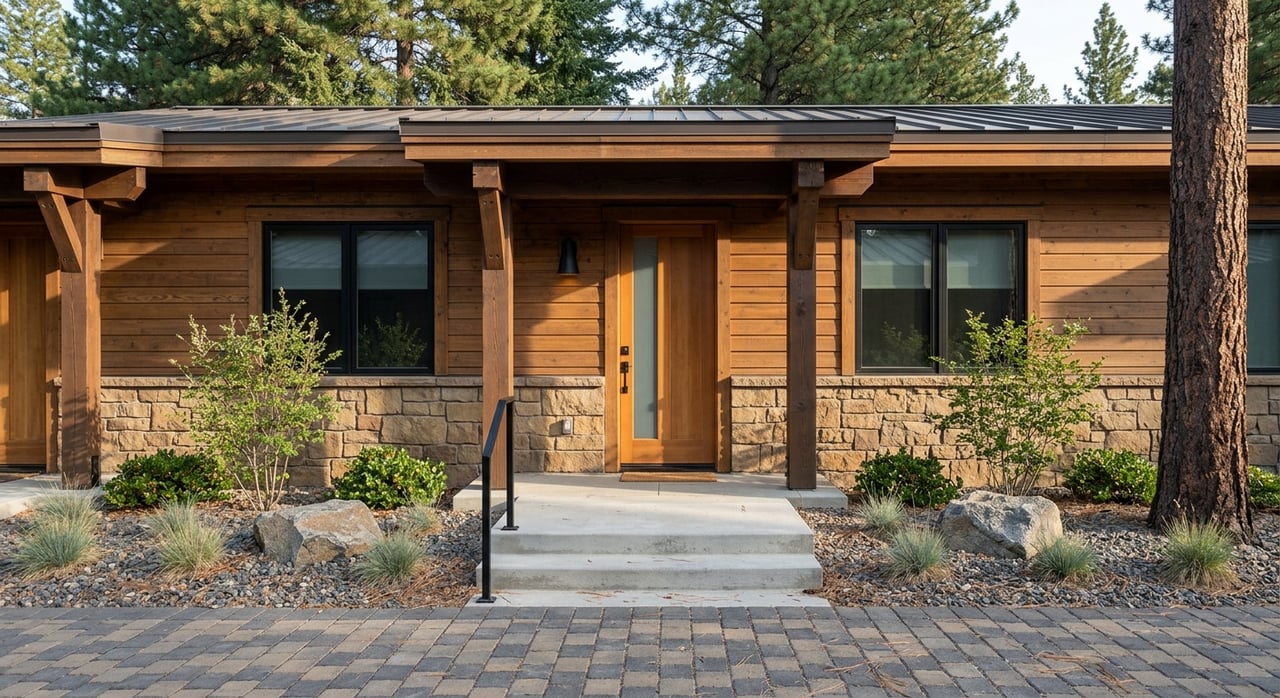
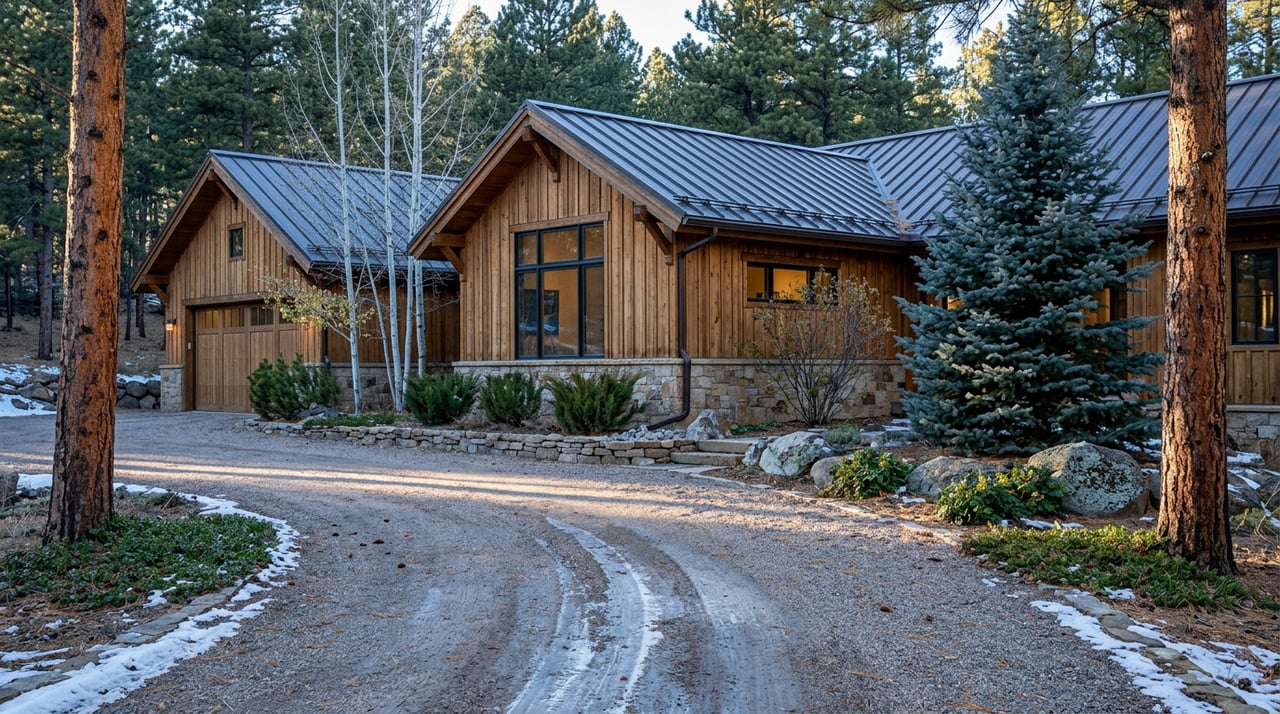
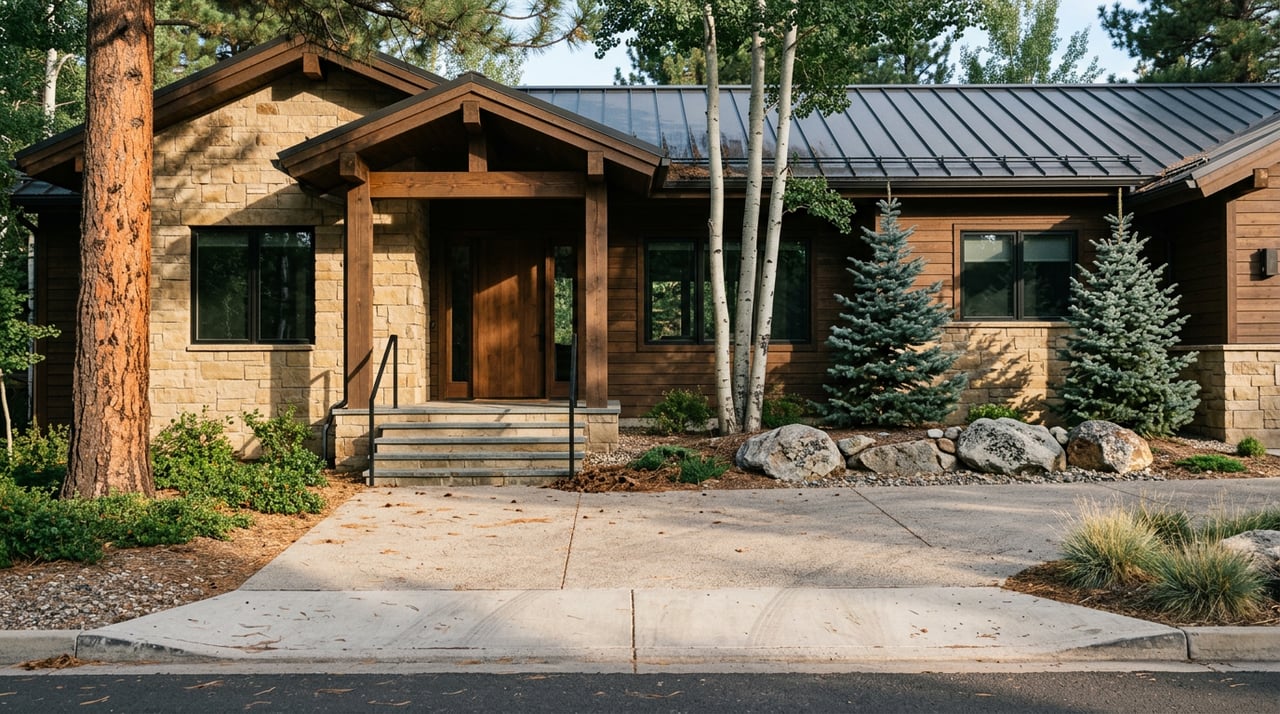
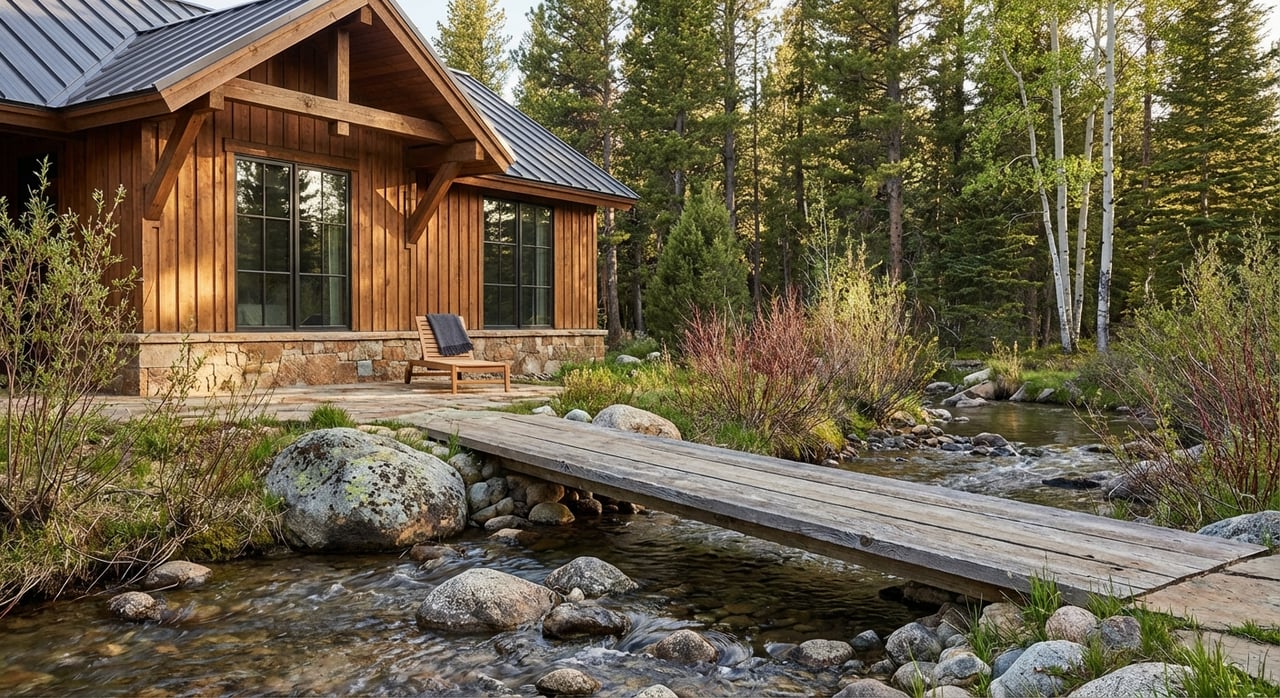
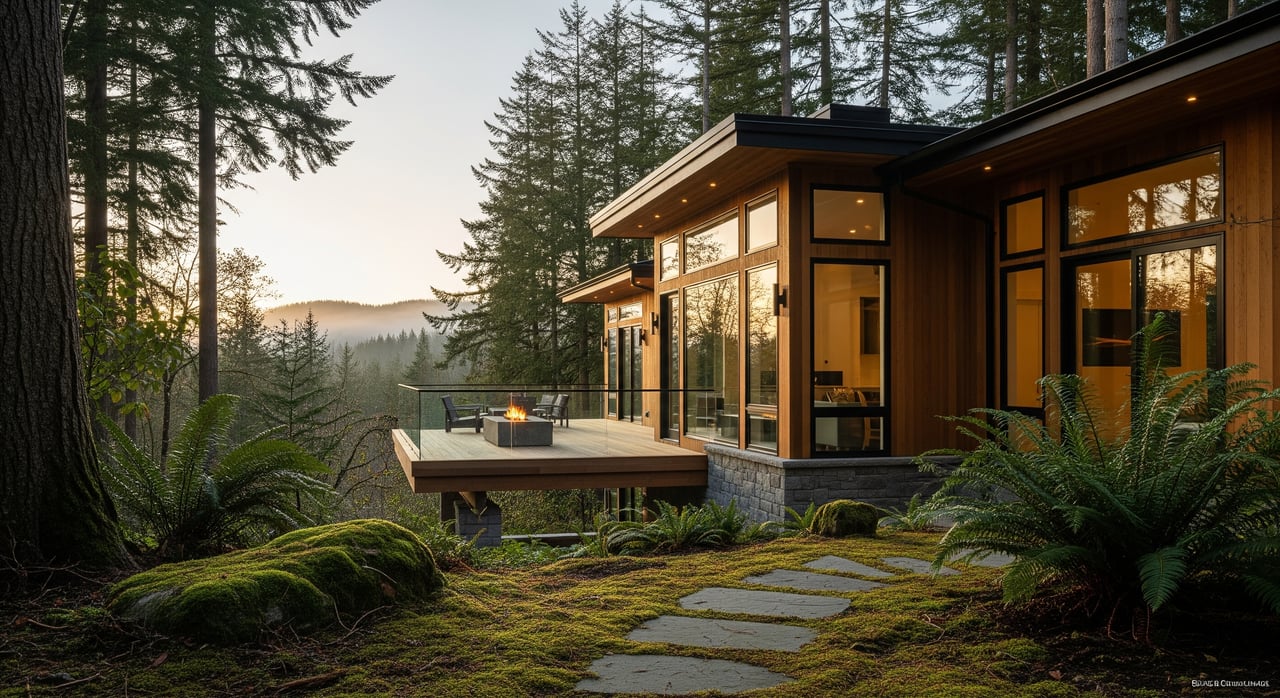
In Evergreen, hidden pockets are smaller or lesser‑known enclaves and private roads that sit just beyond the main corridors. Think established neighborhoods and quiet offshoots near places like Hiwan, Soda Creek, Upper Bear Creek, and The Ridge, along with private drives and small clusters that do not always show up in casual searches. These areas can offer unique settings, mature trees, and privacy. They also bring practical questions about access, utilities, and community governance that you should answer early.
Your goal is simple: create a reliable remote short list so your first in‑person visit is short, focused, and productive.
Remote shortlisting workflow
Step 1: Initial web screen
- Filter for price, lot size, setting, and commute preferences. Use satellite and street views to confirm driveway slope, orientation, and immediate surroundings.
- Note items that need proof, like a flat driveway, year of roof replacement, or fiber internet.
- Flag risks common to small pockets: private road ownership, wildfire exposure, shared wells or septic, and HOA restrictions.
Step 2: Request the full media and document package
- Ask for the visuals and records listed below in the “Visuals” and “Documents” sections.
- Require capture dates for all visuals and clarify what was edited or staged.
- If assets are older than 6 to 12 months, request updates.
Step 3: Cross‑check against public sources
- Compare lot lines and views with county GIS and satellite imagery for consistency.
- Check hazard maps for flood or wildfire exposure and confirm utility providers.
- Review HOA documents, title items, and service records for red flags.
Step 4: Order independent verification
- If a property still looks promising, line up a local inspector for an early‑stage look or limited virtual inspection where available. The American Society of Home Inspectors emphasizes the value of in‑person inspections, especially before closing.
- For rural systems like wells or septic, plan specialist evaluations.
Step 5: Schedule a targeted visit or proceed to offer contingencies
- Visit only the finalists that pass your remote checks.
- Make offers with inspection, title, and appraisal protections.
- If travel is difficult, ask your title company and lender about remote notarization and eClosing options later in the process.
Visuals to request and verify
Strong visuals make or break a remote search. Ask for these items and confirm their dates and accuracy.
Essential visuals checklist
- High‑resolution exterior photos: front, rear, each elevation, driveway, roof close‑ups, and street view, with capture dates.
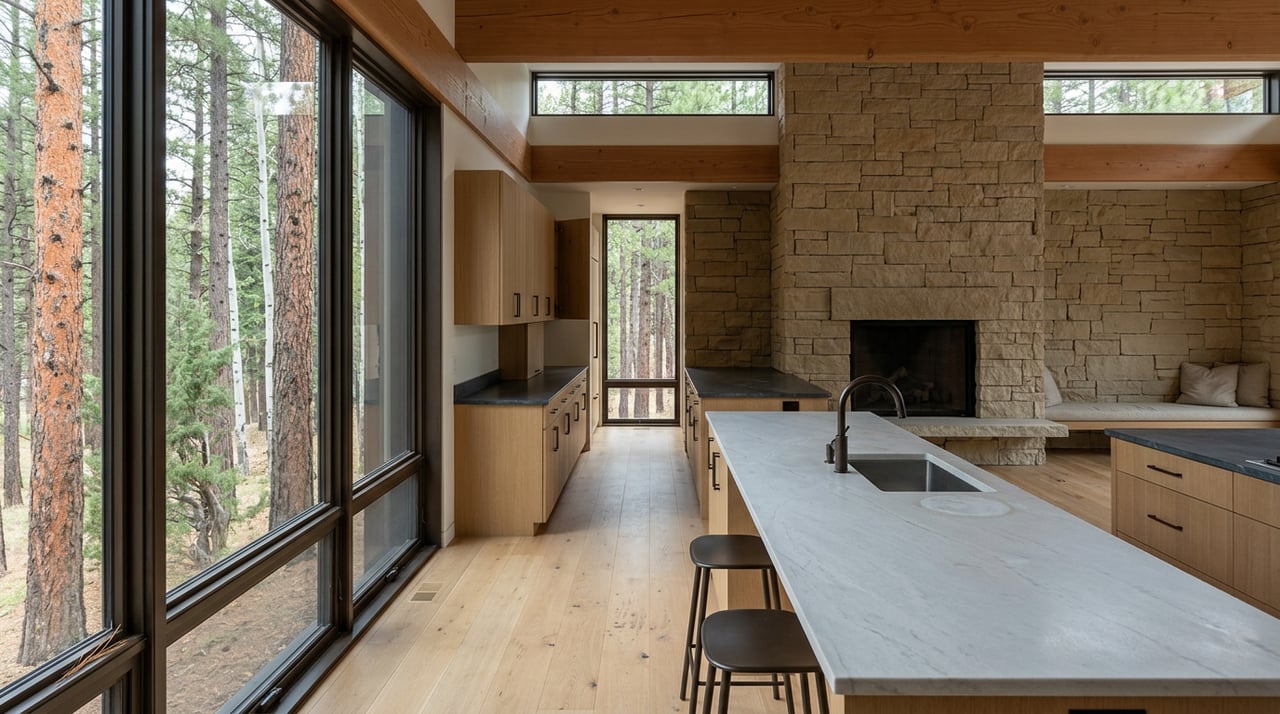
- High‑resolution interior photos: every main room, all bathrooms, closets, mechanical rooms, attic access, and crawlspace. Include any visible defects.
- Floor plan with accurate room dimensions and orientation in a scaled format.
- 3D model or guided walkthrough. A platform like Matterport lets you “walk” the home and measure door widths or room lengths. Request the raw model link.
- Full‑length video walkthrough: one continuous take from the street approach through each room at a natural pace.
- Street‑level video or drone footage showing neighborhood context, approaches, and parking. Confirm compliance with applicable drone rules.
Technical questions to ask
- Is the 3D asset interactive so you can take measurements, or is it a recorded video only.
- When were the visuals produced. Anything older than 6 to 12 months should be refreshed.
- Were photos virtually staged or edited. Request unstaged sets for closets, mechanical areas, and exterior.
- Can the agent provide street‑level views at different times of day to gauge traffic, light, and noise.
- For any disclosed issues, ask for close‑ups with a ruler or tape for scale.
Verification steps
- Check photo metadata when available. Tools like ExifTool help you see capture dates and other details. If metadata is missing, ask why and request written confirmation of date and accuracy.
- Compare 3D model dimensions with the floor plan and assessor records. Large differences need an explanation or re‑measurement.
- Cross‑check lot lines against county GIS and satellite imagery to confirm boundaries and topography.
Documents that tell the real story
Paperwork reveals what photos cannot. In smaller or private pockets, these records confirm access, services, and risks.
Property condition and systems
- Seller’s property disclosure form. Look for past water intrusion, structural movement, or repairs.
- Any recent inspection reports with photos. If none exist, plan a full in‑person inspection before closing. The American Society of Home Inspectors recommends independent inspections.
- Service records for roof, HVAC, septic, well, chimney, and electrical, with dates and contractor info. For septic and wells, request pump logs, well logs, and any soil perc tests. County health departments often hold these records.
- Pest or termite reports and treatment history.
Legal title and boundary
- Preliminary title report or commitment that lists liens, easements, and covenants. Review access easements closely for private drives or shared roads. See the American Land Title Association for standard title practices.
- ALTA or boundary survey if available, especially on irregular or wooded lots.
- Property tax history and current assessed value from the county assessor.
Community governance, utilities, and services
- HOA or POA documents: CC&Rs, bylaws, budgets, reserve studies, insurance, meeting minutes, and any special assessments. For a plain‑English overview of typical HOA documents, see Nolo’s guide to HOA documents.
- Utility providers for water, sewer, trash, gas, electric, and internet. For private systems or road associations, request maintenance agreements and budgets that explain who pays for upkeep and snow removal.
- Recent utility bills to understand seasonal costs.
Environmental, hazard, and land use
- Flood zone status and any elevation certificate. Use the FEMA Flood Map Service Center to confirm.
- Wildfire hazard or state fire‑risk designations that matter for mountain properties.
- Zoning, permit history, and any outstanding code items from the local building department.
- Any known insurance claims or information that may affect insurability.
Privacy‑smart relocation tactics
You can keep a low profile while still getting the information you need.
- Work through your buyer’s agent to request private media sets or off‑market previews when permissible. Local rules vary by MLS and brokerage.
- Limit what you share publicly about timing or addresses. The FTC’s IdentityTheft.gov offers practical identity‑safety guidance.
- Use a dedicated relocation email and phone during the search.
- Understand the tradeoffs. Keeping photos or addresses off public portals can reduce market transparency. Balance privacy against your due diligence needs.
What a curator‑style pre‑screening service does
A curator approach streamlines your remote search by standardizing how options are gathered, verified, and compared.
- Data intake and triage: collect full media packs, assessor and GIS data, and hazard checks. Properties with title or safety red flags are dropped early.
- Local validation: quick outreach to inspectors or service providers for common issues like road maintenance, water tables, or snow plowing.
- Deliverables: a consolidated packet per property that includes annotated floor plans, timestamped 3D links, high‑res media, HOA highlights, a utility and access summary, and a prioritized issue list.
- Comparison: an apples‑to‑apples matrix covering lot size, system ages, estimated maintenance needs, and travel cost to inspect in person.
- Privacy controls: clarity on which assets stay private and how buyer identity is protected during early outreach.
This type of process helps you eliminate weak fits fast and arrive for showings with confidence.
When to book your first visit
Plan an in‑person visit when at least two or three finalists have cleared these hurdles:
- Visuals are recent, complete, and internally consistent across photos, floor plans, and 3D models.
- Documents are in hand, with no unresolved title or access issues, and HOA finances appear sound.
- Hazard checks show acceptable risk levels and you have a plan for insurance.
- A local inspector or specialist is available to continue due diligence during your visit.
If travel is difficult, ask your title company and lender about Remote Online Notarization and eClosing options. The National Notary Association tracks state‑specific guidance so you know what is allowed.
Assessing neighborhood fit from afar
You can get a strong sense of setting and daily rhythm before you visit.
- Combine street or drone video with your own Google Street View checks to see approaches and sightlines.
- Review localized incident data on platforms like CrimeMapping.com where coverage exists.
- Simulate commute windows and peak traffic on your preferred maps app.
- If appropriate, schedule a brief video call with a local service provider or neighbor contact arranged through your agent, while respecting privacy.
Quick‑reference shortlist checklist
Use this minimum request list before you invest in travel:
- Recent high‑res photos inside and out, full‑length video walkthrough, and an interactive 3D model link.
- Scaled floor plan with dimensions and orientation.
- Dates for all visuals plus confirmation of any staging or edits.
- Seller disclosure and any recent inspections or service records.
- Title commitment or prelim, any easements or covenants, and a recent survey if available.
- HOA documents and budget or reserve study if applicable.
- Utility provider list, recent bills, and any private road or shared system agreements.
- FEMA flood map printout and current wildfire‑risk reference.
- Permit history from the local building department.
Next steps
Shortlisting Evergreen’s hidden pockets from afar is completely achievable when you combine thorough visuals with document‑first verification. If you want a calm, concierge path to a confident short list, talk with a local advisor who knows Evergreen’s micro‑markets and how to assemble airtight remote packets. For discreet, principal‑led representation and relocation guidance in Evergreen and nearby foothill enclaves, connect with Lark Stewart.
FAQs
How reliable are virtual tours for remote Evergreen buying
- Virtual tours are helpful starting points, but you should verify capture dates, check photo metadata with a tool like ExifTool, cross‑check floor plan dimensions, and plan an in‑person inspection before closing per ASHI guidance.
Which documents should I insist on before visiting in person
- Ask for the title commitment or prelim, seller disclosure, HOA financials if applicable, a survey or lot map, and recent service records. For rural setups, add septic and well records.
How do I confirm flood or wildfire risk for a hidden pocket
- Use the FEMA Flood Map Service Center for flood zones and check state or local wildfire resources. Pair these with insurer input to understand coverage and cost.
Can I close on an Evergreen home without traveling
- Many states and title companies support Remote Online Notarization and eClosings. Confirm your options with your title company, lender, and the National Notary Association’s state guidance.
How can I protect my privacy while searching remotely
- Work through your agent for private media and showings, limit public sharing of plans, use a dedicated email and phone, and review identity‑safety tips from IdentityTheft.gov.
What does a curator‑style service add for remote buyers
- It standardizes media and records, runs quick risk checks, compares options apples to apples, and manages privacy boundaries so you travel only for top candidates.